
Top 5 Data Center CFD Software Alternatives 2026

Comparing data center CFD software for accurate thermal simulation and practical integration is difficult with proprietary pricing, limited feature overlap, and inconsistent data formats. Most established tools require custom pricing discussions, lack transparent feature sets, or restrict use to annual contracts that do not fit short project cycles. This comparison highlights pricing, deployment models, and simulation coverage so data center teams can choose the best-matched CFD software for their workflow and budget.
Table of Contents
Jewlz Technologies Thermal Analysis Toolkit
At a Glance
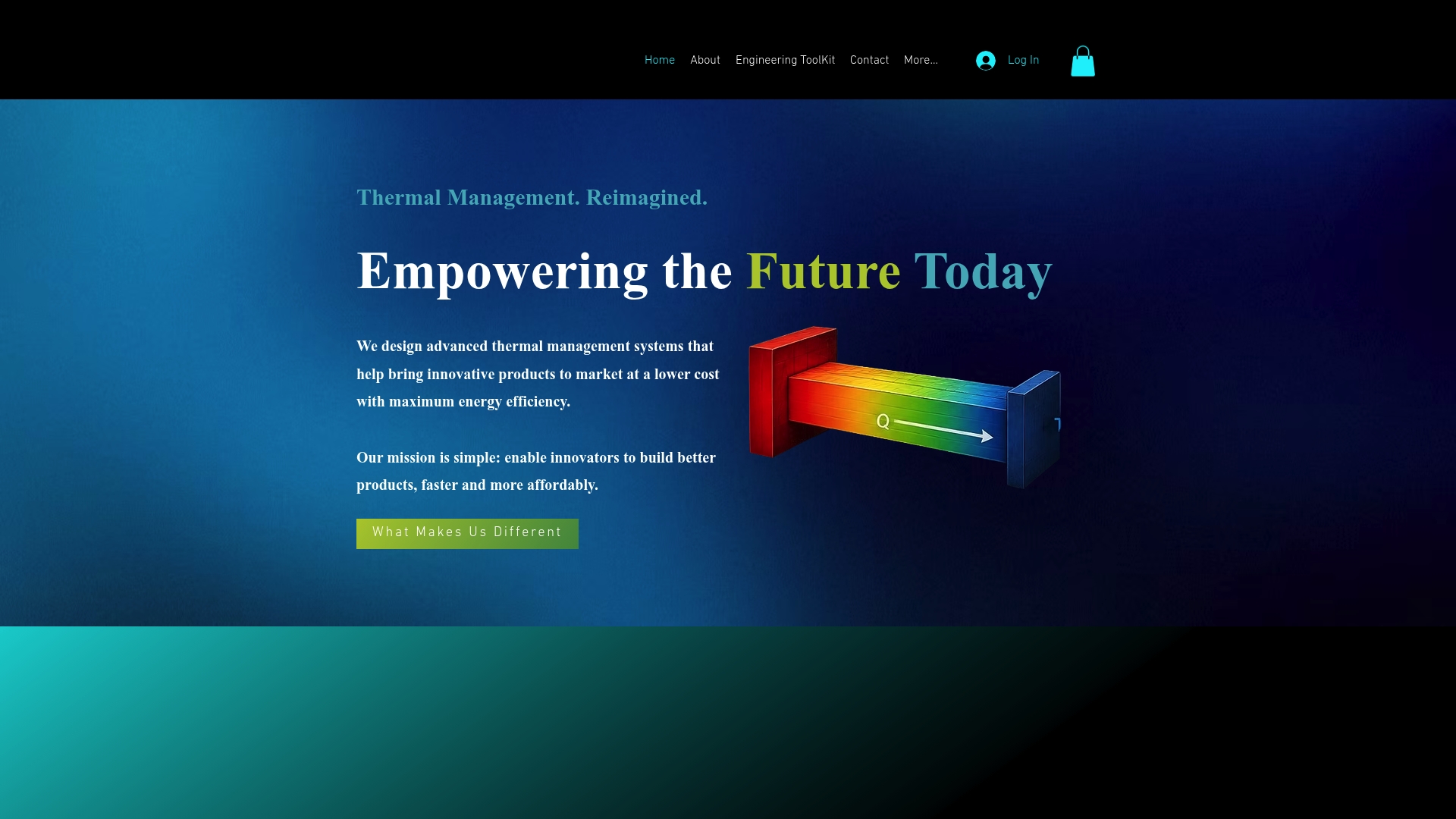
Free access to an all-in-one thermal analysis toolkit that handles conduction, convection, and radiation calculations. The toolkit supports variable material properties and includes a built-in property database for common engineering materials. It targets engineers who need quick, reliable thermal predictions for design and analysis.
Core Features
The toolkit models heat transfer across conduction, convection, and radiation while letting you specify Variable Material Properties and a Wide Temperature Range in a single workflow. It includes a Built-in Property Database so you do not have to look up basic thermal constants. The interface bundles design and analysis tools so you can iterate geometry and material choices without leaving the application.
Key Differentiator
A free, engineering-grade toolkit that combines all three heat transfer modes in one package sets this offering apart. That capability removes the need to stitch separate calculators together when you evaluate thermal paths that include conduction, convection, and surface radiation.
Pros
Free access removes the licensing barrier for small teams and academic users while keeping engineering-grade calculations available to practicing engineers. The variable material properties and built-in database cut time spent on manual property lookups and reduce clerical errors during hand calculations. Bundling design and analysis features lets you test material swaps and boundary conditions faster, which shortens iteration cycles during product development.
Cons
Limited publicly available detail on advanced features, enterprise integration options, and formal support channels may make procurement and integration planning harder for large organizations.
Who It’s For
Engineers and product developers who need fast thermal performance checks during early design and prototyping. Thermal design engineers in electronics, HVAC, or small-scale power electronics will find it useful for quick parameter sweeps. Educators and students can also use the toolkit for classroom demonstrations and homework exercises.
Unique Value Proposition
The built-in property database plus support for variable material properties lets you swap materials and rerun thermal cases without manual data entry. That speed reduces the number of physical prototypes you need and lowers exploratory engineering costs. For teams on tight budgets, the free access removes one cost barrier while preserving engineering accuracy for routine design checks.
Real World Use Case
A thermal engineer evaluates heat transfer in a new electronic enclosure by changing material options and airflow boundary conditions in minutes. The toolkit identifies hotspots and supports quick design decisions, which reduces prototype iterations and shortens the path to a manufacturable design.
Website: https://jewlztech.com
CoolSim
At a Glance
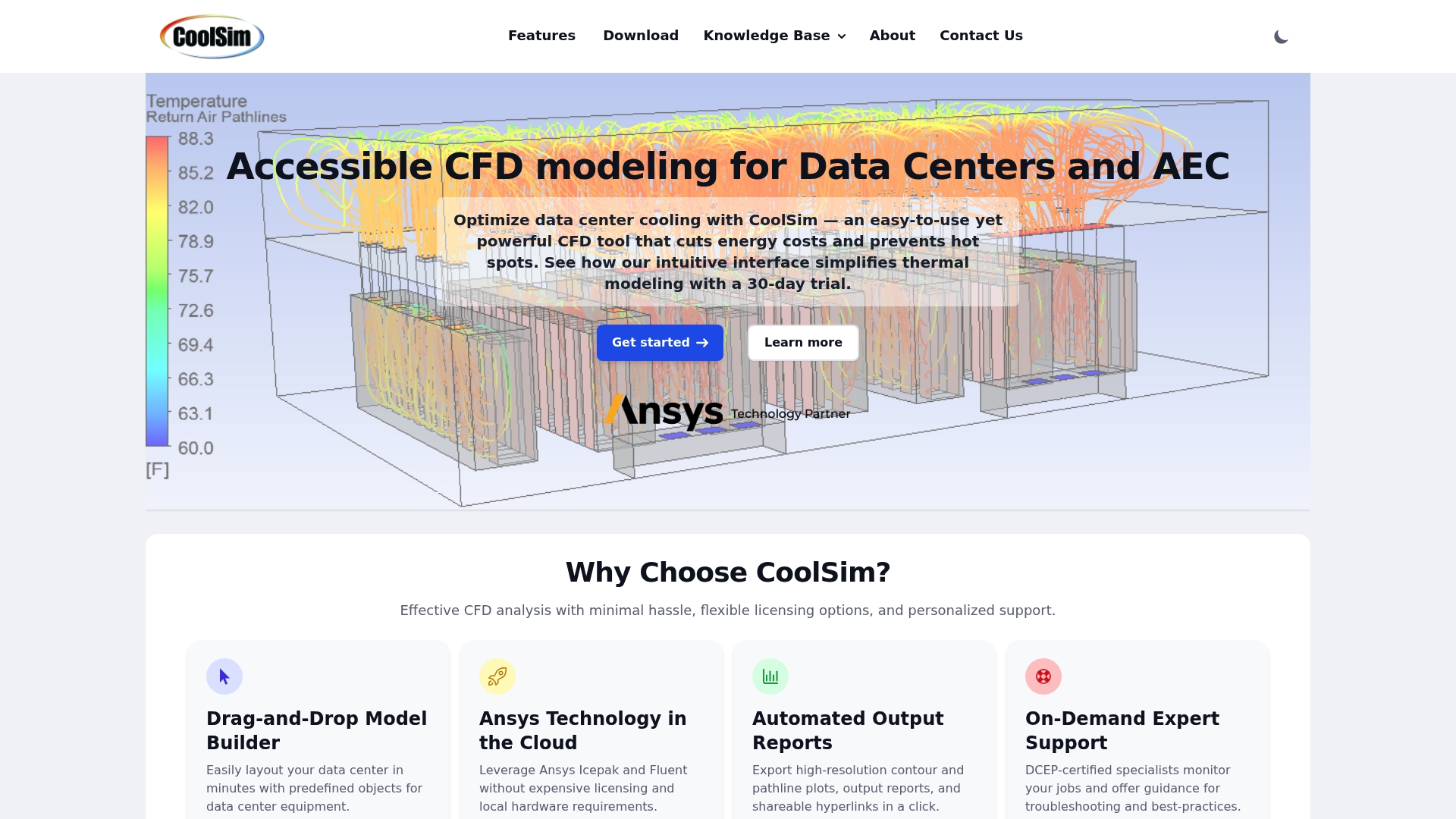
CoolSim runs Ansys Icepak and Fluent in a pay as you go cloud model. That setup lets you access high quality meshing and solvers without local hardware. The interface includes predefined data center components and automated report generation to speed analysis handoff.
Core Features
The Drag and Drop Model Builder simplifies rack and room layout creation and reduces setup time. The platform leverages Ansys engines in the cloud and produces automated high resolution reports and visualizations. It supports multiple cooling methods, room configurations, and external wind and pollutant dispersion modeling.
Key Differentiator
CoolSim combines an industry specific interface with cloud access to Ansys Icepak and Fluent. That mix targets data center teams who want familiar modeling tools without maintaining local solver clusters. The pay as you go licensing supports short projects and intermittent runs.
Pros
The interface is easy to learn for data center engineers and includes predefined components that map to racks and CRAC units. Cloud based CFD removes the need for costly workstations and centralizes simulation runs. Personalized expert support and automated reports speed decision handoffs.
Cons
Buyer reviews indicate limitations in modeling very complex or large scale external airflow scenarios.
Some users experienced an initial learning curve with advanced features.
Dependence on internet connectivity can delay simulations during network outages.
When It May Not Fit
If you manage campus scale facilities with highly complex wind interactions, CoolSim may require expert help to model those cases. The vendor lists limited capacity for very complex external airflow scenarios without specialist input. Also, organizations that need offline local solving will find the cloud dependency restrictive.
Who It’s For
Data center designers, operators, and CFD specialists who prefer a visual model builder and pay as you go solver access will get value here. Design build teams that run occasional validation studies and need quick reporting will fit. If you operate at extreme external wind complexity, plan for added consultancy.
Real World Use Case
A data center operator used CoolSim to simulate air flow after a cooling unit failure and to test mitigation layouts. The team used the predefined components to model racks and cooling units quickly. The automated report documented scenarios for the operations team and procurement.
Pricing
Pricing follows a pay as you go cloud licensing model tied to Ansys engines. The vendor describes flexible licensing options but does not publish fixed pricing publicly. Contact sales for per run estimates or enterprise licensing terms.
Website: https://coolsimsoftware.com
TileFlow

At a Glance
The suite includes MeltFlow and MacroFlow, letting engineers model metallurgical pours alongside data center airflow in one tool set. According to the company, TileFlow is used globally by data center managers and consultants. That combination of domain breadth and targeted CFD makes it unusual among data center modeling tools.
Core Features
TileFlow delivers three dimensional CFD modeling focused on cooling and airflow for raised floor and non raised floor data centers, and it emphasizes fast setup and calculation speed. The suite adds MacroFlow for component sizing and what if comparisons, and MeltFlow for metallurgical process simulation. Visualization options support process and system review for electronics, semiconductor, and industrial thermal problems.
Key Differentiator
TileFlow aims to trade generality for practical speed and simplicity. The product positions itself for engineers who need quick model setup, rapid solution turnaround, and clear visual outputs rather than a general purpose multiphysics environment. That focus suits teams who must iterate layout changes and compare design options quickly.
Pros
The interface is easy to learn for an engineer familiar with thermal and airflow concepts, which shortens ramp up time and model setup. Calculation speed and focused solvers let you run multiple what if scenarios in a single day rather than over multiple days. The suite covers electronics cooling and metallurgical flows, so the same vendor tools handle data center airflow and certain industrial thermal problems.
Cons
Limited public detail on pricing and licensing. Contact with sales is required to get license models and support terms.
No third party integrations are listed, which could complicate workflows that rely on BMS, CAD, or asset management links.
Buyers should validate performance on their specific room sizes and equipment configurations before committing.
When It May Not Fit
Large enterprises that require documented integrations, single sign on, or buy from a strict procurement catalog may find the lack of listed integrations problematic. Projects that need published scalability benchmarks or system requirement sheets will need to request those details from the vendor. If you require an open plugin ecosystem, this product may not match that workflow.
Who It’s For
Engineers and data center managers who need focused CFD for thermal and airflow performance will get the most value. Consulting firms that model both electronics cooling and industrial processes will appreciate the dual MeltFlow and MacroFlow capabilities. Users who need fast iteration and clear visual outputs rather than a general multiphysics toolkit will find this a practical choice.
Real World Use Case
An engineering consultancy used TileFlow to model airflow and locate hotspots in a raised floor data center. The team tested rack layouts and CRAC settings, then compared the results to reduce predicted hotspots and improve cooling efficiency. The tool set allowed several rapid what if runs to validate design decisions.
Pricing
No public pricing is listed. The vendor presents TileFlow as informational only, so you must contact Innovative Research, Inc. for license options, tiering, and support packages.
Website: https://inres.com
EkkoSense Data Center Optimization Software
At a Glance
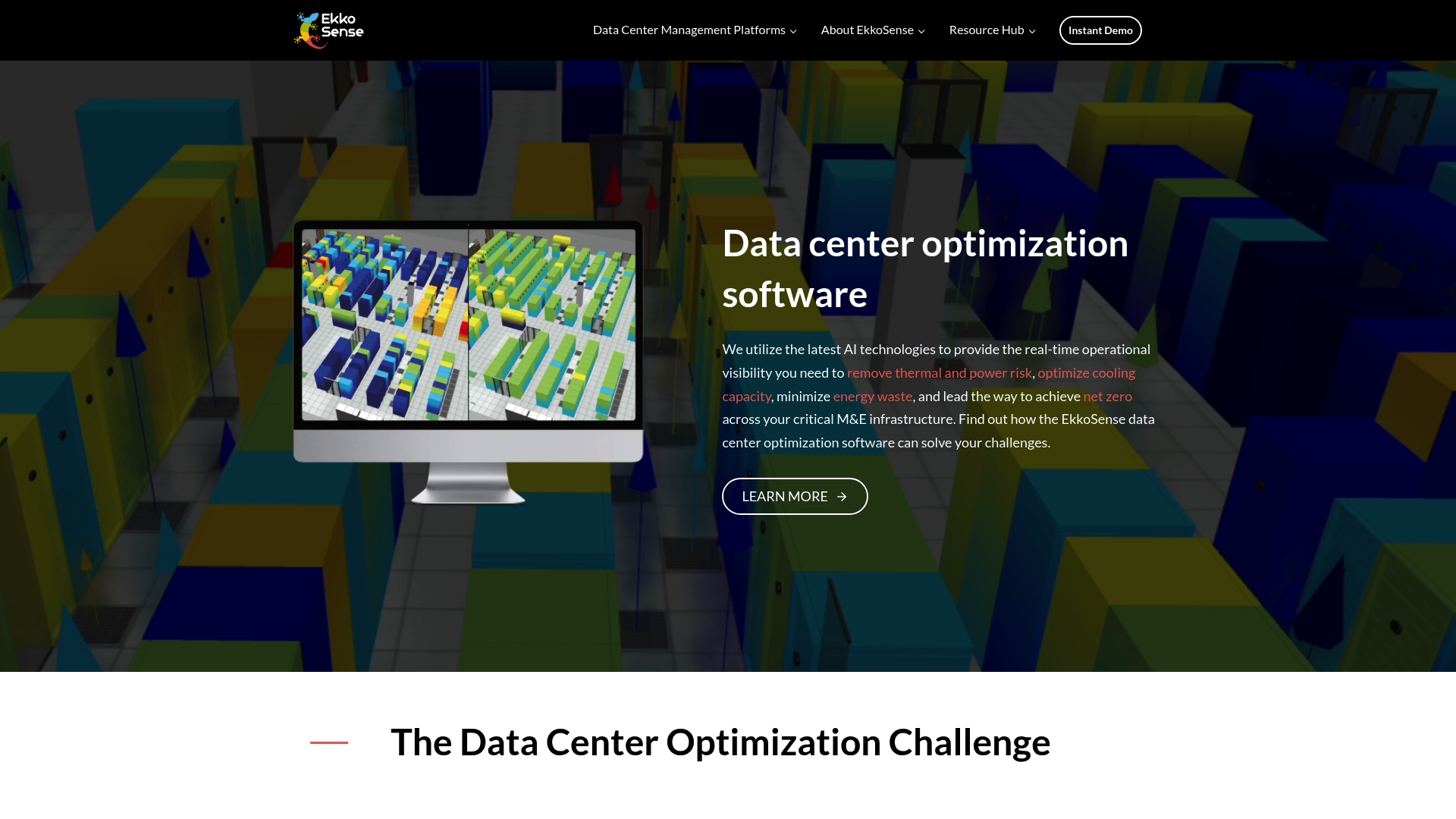
EkkoSense reports a typical ROI under 12 months for deployed sites. The platform focuses on cooling efficiency, remote visibility, and 3D visualization to reveal stranded capacity. It aims to cut energy waste and help data centers meet net zero commitments.
Core Features
EkkoSense combines real time operational visibility and remote monitoring from any device with 3D visualization. The suite delivers AI driven cooling optimization recommendations, cooling capacity release analytics, and automated ESG reporting so teams can prioritize thermal fixes remotely.
Key Differentiator
According to the company, EkkoSense pairs AI driven real time visibility with simple deployment and quick payback. That combination appeals to operators managing cooling across multiple sites and looking to unlock hidden capacity.
Pros
Easy deployment and remote access reduce onsite visits and speed time to value. The platform’s monitoring and 3D visualization make it faster to locate hot spots and stranded cooling capacity. That market adoption and that ROI claim support vendor references to global operator use and faster payback.
Cons
Limited public technical specifications, so engineers may lack detailed sensor and modeling parameters for validation.
Primary focus on cooling and energy efficiency means other data center domains need separate tooling.
Buyers should confirm integration with existing building management systems or DCIM before procurement.
When It May Not Fit
If you need full DCIM coverage for power, network, and asset lifecycle you will need additional systems. If procurement requires detailed published sensor specifications or open APIs, this platform may not meet those needs. Plan for integration work when centralizing operations across diverse vendor equipment.
Who It’s For
Data center operations teams and facilities managers who prioritize cooling performance, energy costs, and sustainability will find this relevant. You will benefit if you want real time visibility, remote monitoring, and recommendations to free cooling capacity. Teams focused on ESG reporting and carbon reduction will also see value in the platform’s analytics features.
Real World Use Case
The vendor advertises energy reductions up to 30% when operators apply the platform’s recommendations across sites. A global operator used EkkoSense to spot inefficient airflow, implement AI driven setpoint changes, and report carbon reductions. That ROI claim followed as projects reported faster payback after optimization.
Pricing
Pricing is not published. The vendor marks pricing as not applicable and informational only. Licensing and deployment fees vary with site scope, sensor counts, and integration services. Contact EkkoSense for quotes and a site survey to scope cost accurately.
Website: https://ekkosense.com
Red Dot AI
At a Glance
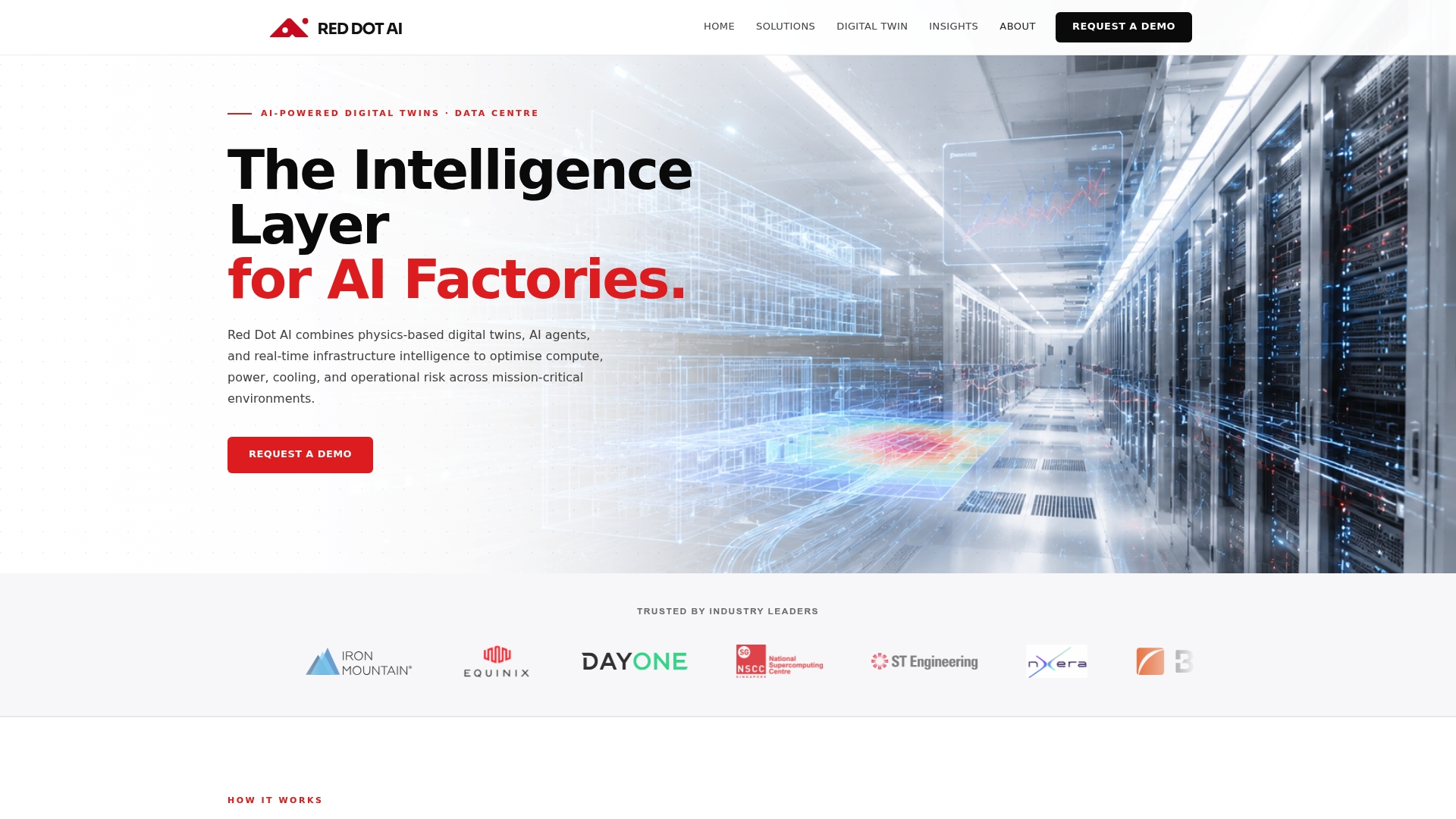
Red Dot AI reports a 40% reduction in cooling energy consumption at a customer site. That figure came from the vendor’s case example and shows the platform’s potential impact. The platform targets mission critical data centers with high-density AI workloads.
Core Features
Red Dot AI combines digital twin simulation and optimization, continuous real-time infrastructure data integration, and AI-driven anomaly detection to generate predictive maintenance signals. The platform layers energy and cooling optimization strategies with autonomous operation capabilities so control actions can follow simulation insight. Continuous simulation and self calibration of the twin keep models aligned with changing facility conditions.
Key Differentiator
The product pairs physics based digital twins with AI agents to run closed loop operational decisions in near real time. That design targets operational risk mitigation and capacity planning for dense compute racks where cooling margins are thin. The combination of model fidelity and automated decisioning is the vendor claim that separates this offering from simple analytics tools.
Pros
Red Dot AI turns complex telemetry into concise operational actions, helping operators reduce energy consumption and extend rack capacity. The predictive analytics capability increases reliability and uptime by flagging anomalies before they escalate. Support for hybrid liquid cooling and AI workload patterns makes the platform useful where air cooling no longer meets demand. Continuous learning of the digital twin reduces drift between physical systems and simulation over time.
Cons
Highly specialized solution primarily suited for large complex data centers rather than small colocation sites. This limits applicability for smaller operators.
Requires integration with existing infrastructure data sources, which can add project scope and time. Integration complexity may slow initial value realization.
Potentially high implementation complexity and cost compared with off the shelf monitoring tools.
When It May Not Fit
Red Dot AI may not fit small to medium facilities with limited sensor coverage or thin operational budgets. The platform does not target single room deployments where basic monitoring meets needs. Organizations lacking engineering resources for system integration will find implementation demands heavy.
Who It’s For
Large data center operators focused on energy efficiency, uptime, and capacity planning will see the most value. Teams running dense GPU clusters or hybrid liquid cooled systems benefit from the platform’s simulation and automation. Operators planning predictive maintenance programs and proactive capacity moves should evaluate this product.
Real World Use Case
A data center in Asia Pacific used the platform to cut cooling energy and to automate maintenance workflows. That customer example cites the 40% reduction above as the measured outcome. The platform also helped improve uptime by surfacing failure precursors and by enabling scheduled interventions.
Pricing
Not applicable — informational only. Public pricing is not listed and the vendor appears to price projects per deployment scale and integrations. Expect a project based commercial model rather than a simple per rack subscription.
Website: https://rda.ai
Comparison of CFD and Thermal Analysis Tools for Data Centers
The following table highlights the key features, unique aspects, and target user profiles of select CFD and thermal analysis tools suitable for data centers, helping decision-makers evaluate their options.
Product | Primary Capability | Key Differentiator | Best For | Notable Limitation | Pricing |
Jewlztech | All-in-one thermal analysis toolkit | Free access combining conduction, convection, and radiation | Engineers requiring early design checks | Limited details on enterprise integration | Free |
CoolSim | Pay-as-you-go CFD interface over Ansys engines | Cloud access to Ansys Icepak and Fluent | Data center CFD specialists | Dependent on network connectivity | Price not published |
TileFlow | Focused data center airflow and thermal CFD | Fast setup and simulation turnaround | Engineers modeling electronics cooling | Lack of third-party integrations | Price not published |
EkkoSense | Cooling and energy optimization software | 3D visualization and real-time remote monitoring | Data center managers focusing on ESG goals | Limited technical specifications publicly available | Price not published |
Red Dot AI | Digital twin simulation and optimization | High-fidelity simulation with autonomous operation | Operators with large, dense data centers | High implementation complexity and cost | Informational only |
How to Address Data Center CFD Challenges Efficiently
Engineers and data center managers often face time and accuracy issues when running complex data center CFD simulations. Managing multiple heat transfer modes, material property variability, and rapid iteration can slow design and analysis workflows. Jewlztech offers free engineering tools designed to meet these exact challenges, providing fast thermal and CFD simulations with built-in material databases.
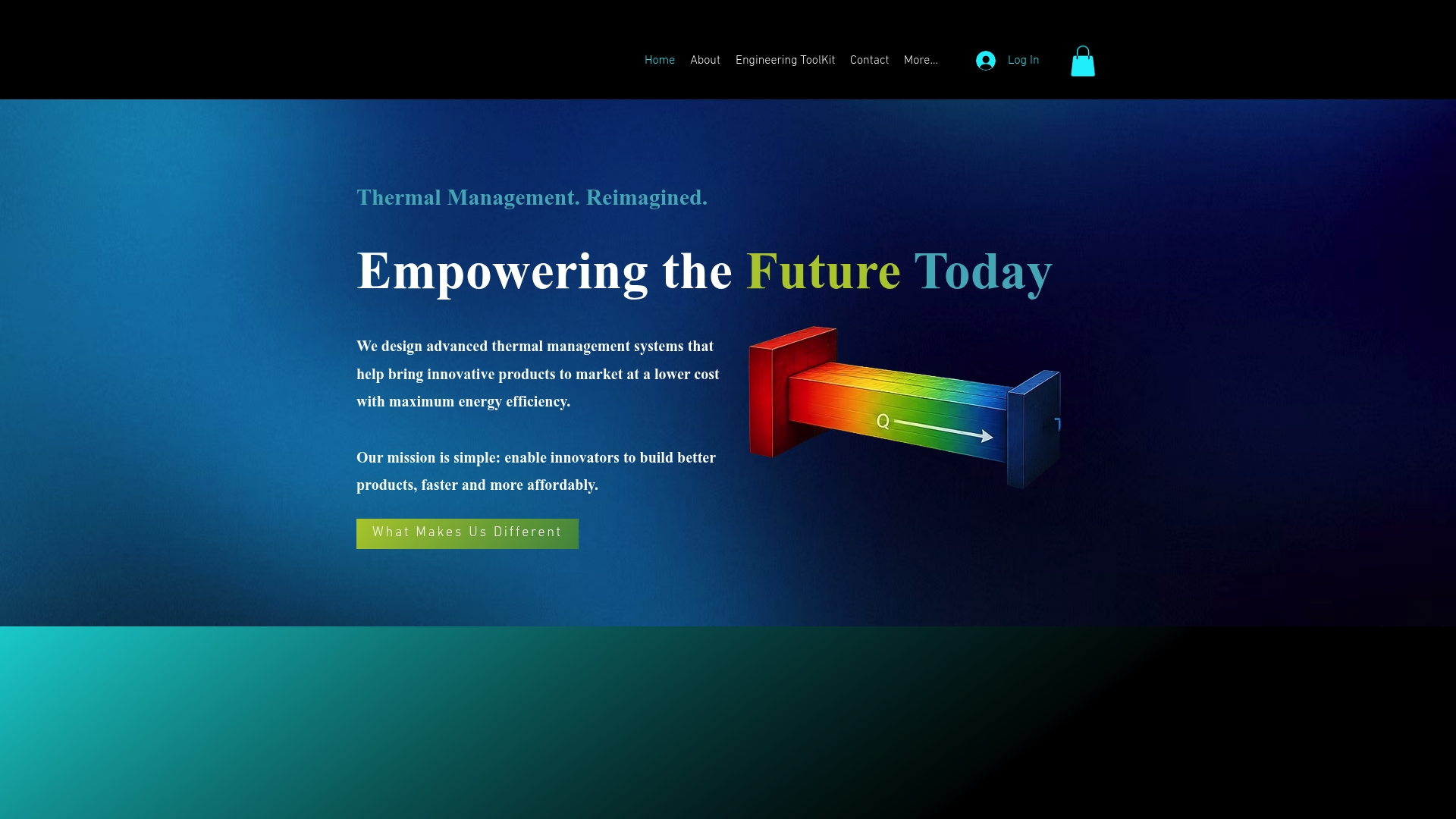
Visit All Products | Jewlz Technologies to access solutions tailored for thermal management and CFD needs. Accelerate your design process and reduce prototyping cycles by leveraging Jewlztech’s thermal simulation software that supports conduction, convection, and radiation calculations in a unified toolkit. Check out Jewlz Technologies today and start performing precise thermal analysis with ease.
FAQ
What are the key features of Jewlztech that support quick thermal predictions?
Jewlztech features an all-in-one thermal analysis toolkit that models heat transfer through conduction, convection, and radiation. It supports variable material properties and includes a built-in property database for quick access to common engineering materials. Engineers benefit from streamlined design iterations without needing to switch applications, making Jewlztech an efficient choice for thermal design.
How does CoolSim’s cloud-based model compare to Jewlztech?
CoolSim provides cloud access to high-quality solvers and automated report generation for data center simulations. This setup allows for flexibility without maintaining local hardware. In contrast, Jewlztech combines multiple heat transfer modes into one package, which is ideal for engineers who need reliable thermal predictions without separate tools for each mode.
Which platforms support variable material properties besides Jewlztech?
CoolSim is designed primarily for automated CFD in data centers and focuses on predefined scenarios; it may not support the same extensive variable material properties capability as Jewlztech does. Jewlztech’s ability to easily switch materials and rerun thermal cases without manual data entry offers significant advantages for engineers needing quick evaluations.
What should I consider if I have a large organization needing thermal analysis?
If you’re from a larger organization, CoolSim offers pay-as-you-go licensing tailored for short projects, which may suit your budgeting needs. Jewlztech, while free and highly capable for small teams, may have limited details for advanced features and enterprise integration options that larger organizations might require.
How quickly can I expect to utilize Jewlztech once I start using it?
Jewlztech is engineered for quick setup, allowing engineers to run thermal simulations almost immediately after installation. Its intuitive interface and built-in database cut down on time spent on manual property lookups, enabling efficient design evaluations from the start.
Recommended
Comments